
Remove the background, keep the subject
Drop a photo of a person, product or pet. The cut-out starts right away and comes back as a transparent PNG. Without an account you get 5 free Standard cut-outs a day. New accounts get 1 cr free, one time only, after email verification. Standard (up to 25 MP) uses 1 cr per photo.
1 cr a photo, charged only when it works

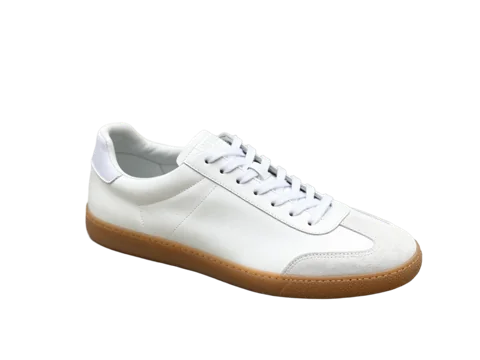
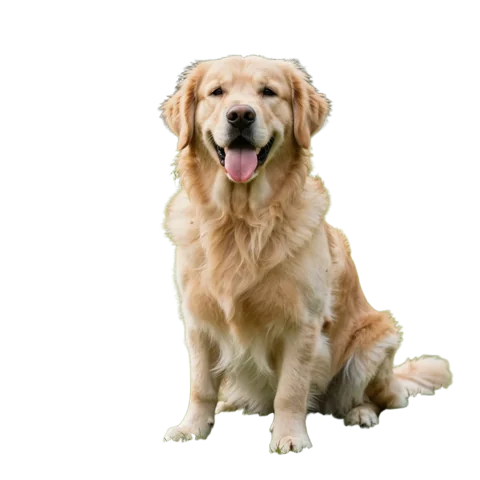
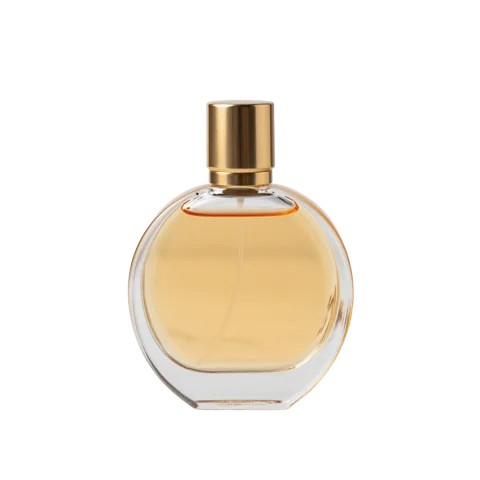
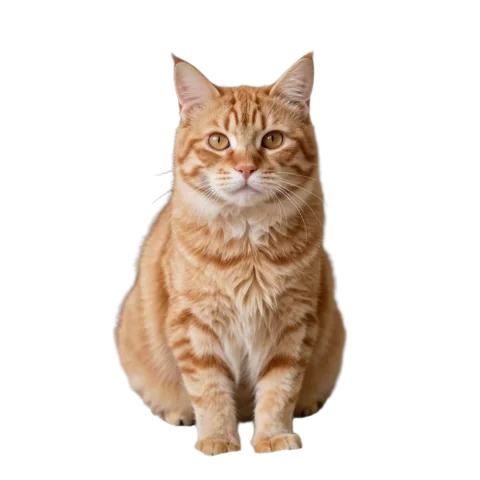
Backgrounds
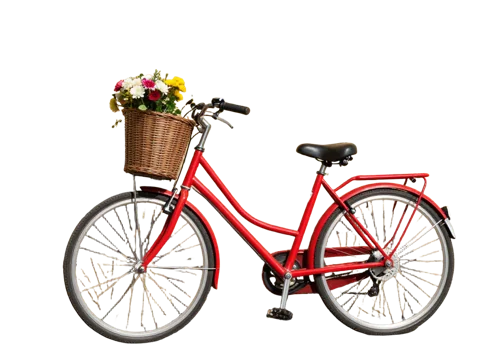
One cut-out, any background
This is one real result from the tool. Switch the background: the cut-out stays the same, and changing it costs nothing because it happens in your browser.

Edges up close
Hair, fur and glass at 400%
These are the files the tool returned, not retouched. Move over a picture to look through the loupe.

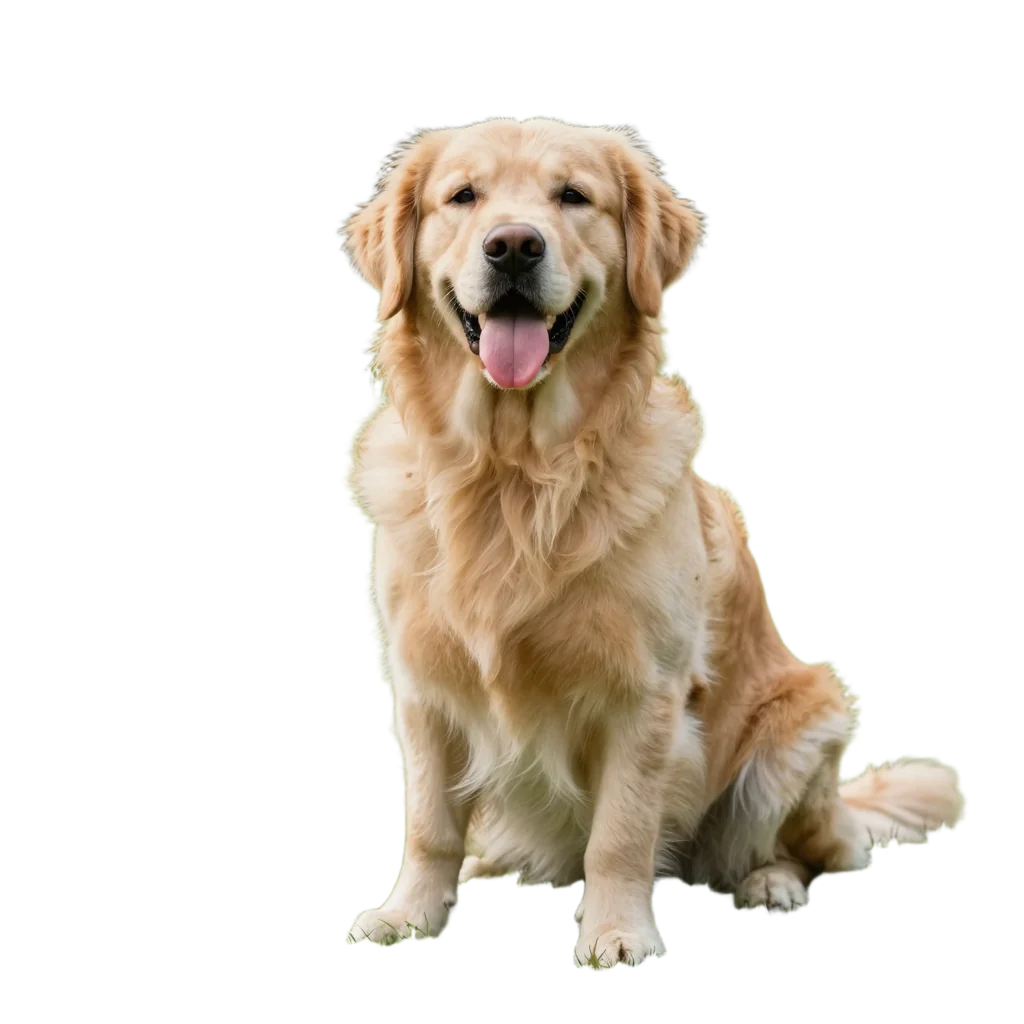
On a phone, tap or drag on a picture to move the loupe.
Use cases
What people cut out
 OriginalCut-out
Product photos
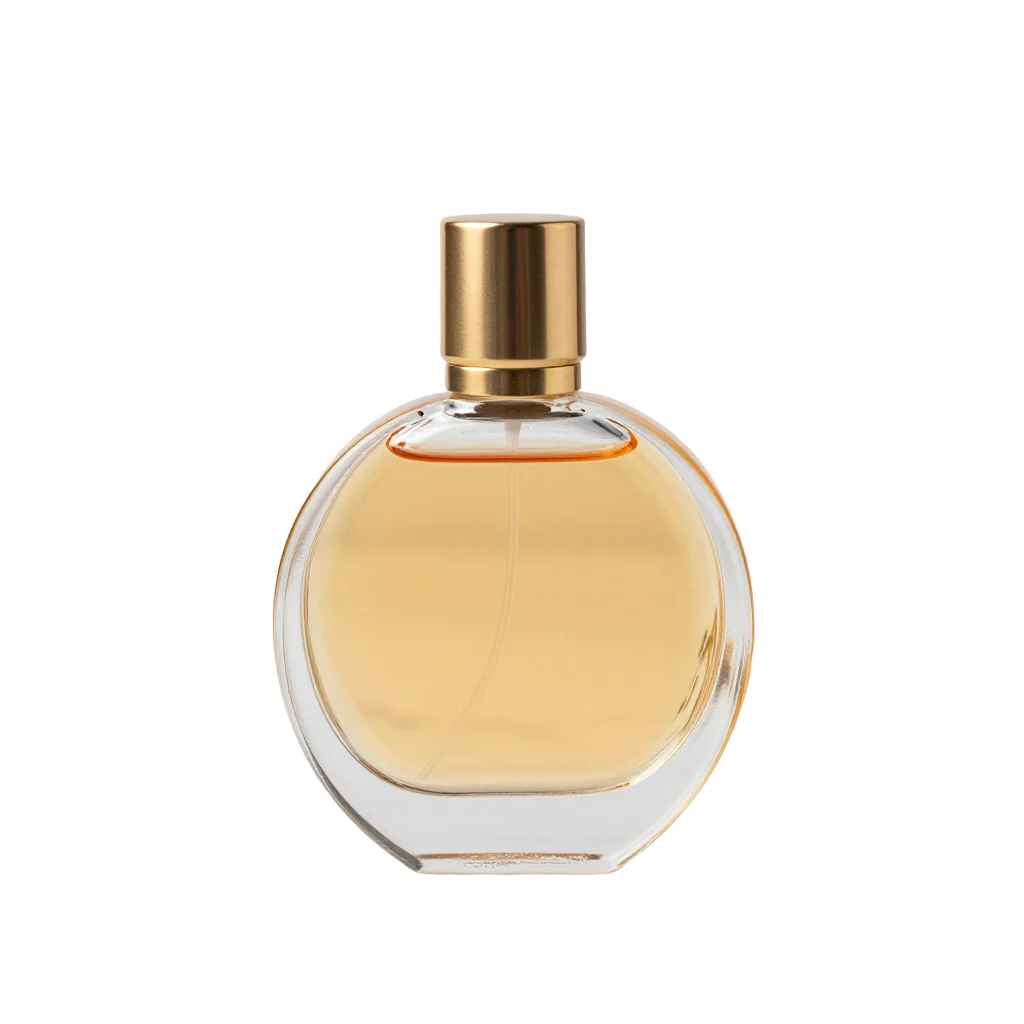
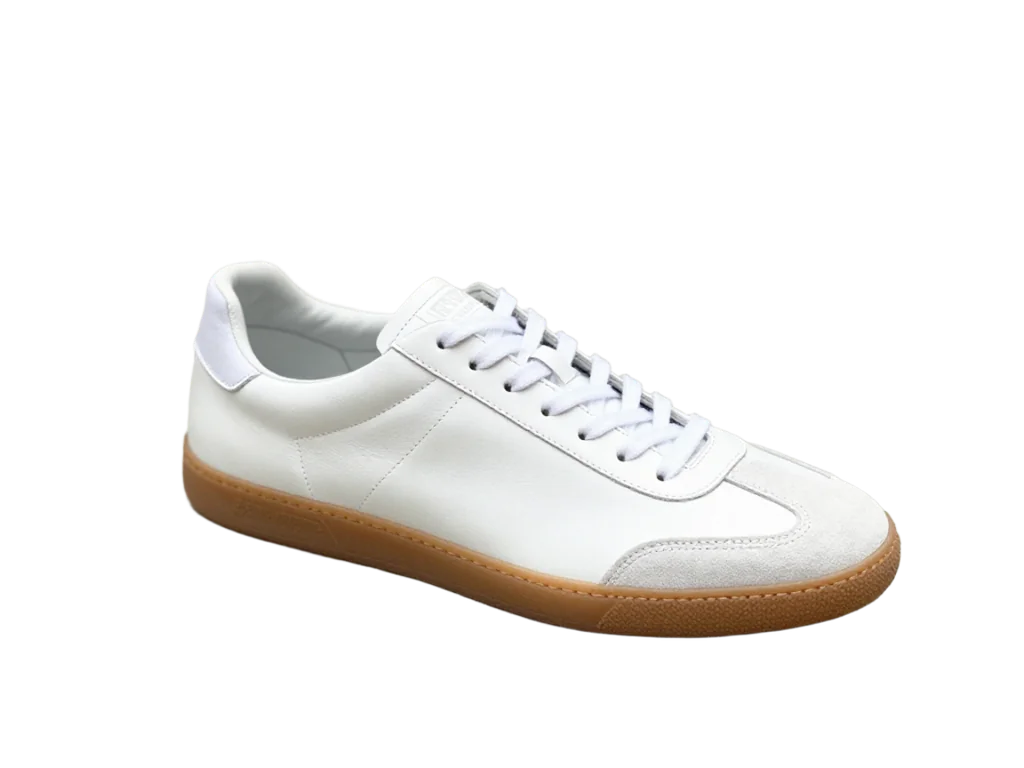
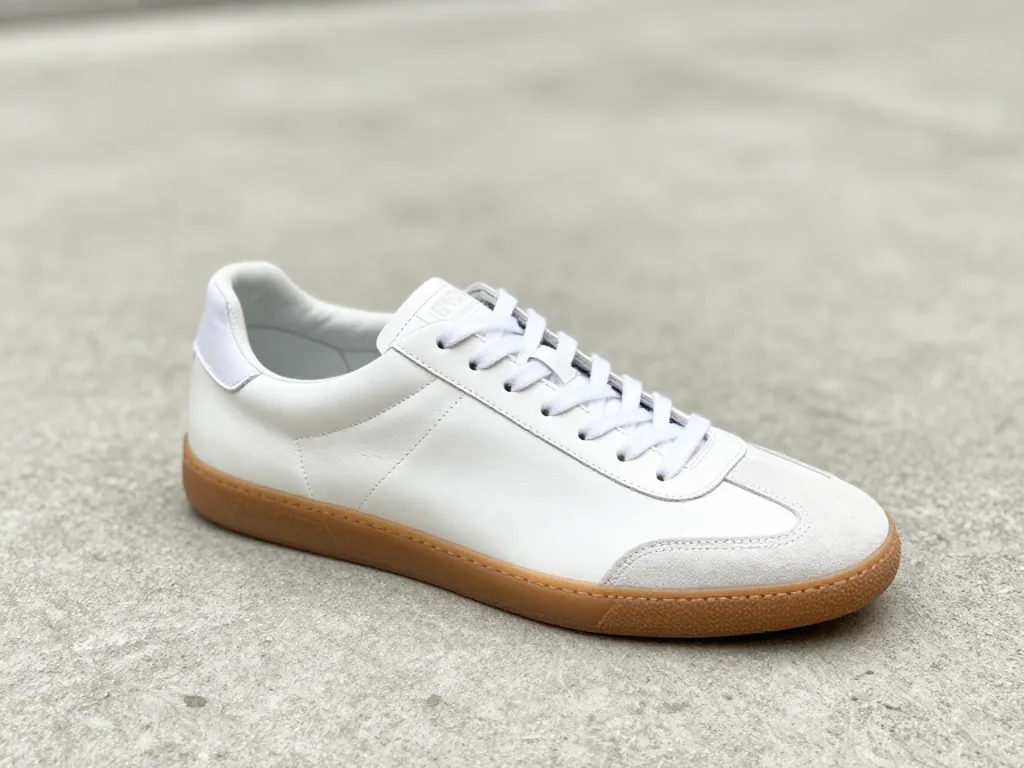
Shoes, bottles and gadgets on clean white or transparent backgrounds for shop listings and ads.
White sneaker on a concrete step · Standard
Output
What you download
- Transparent PNG
- Full size, no watermark
- JPG or PNG
- On white, a colour or a blur
- Up to 25 MP
- Standard, 1 cr a photo
- Up to 4,096 px
- HD, 12 cr a photo
- 20 per batch
- One ZIP, 20 MB a file
- 30 days in History
- Then deleted automatically
Pricing
Pay for the cut-outs you make
Without an account you get 5 free Standard cut-outs a day. New accounts get 1 cr free, one time only, after email verification. Standard (up to 25 MP) uses 1 cr per photo. Plans add credits every month at the lowest price per credit. Packs are one payment and never expire.
Cancel anytime · 7-day refund window
Lasso
RecommendedRegular product photos and social posts.
$14.85$12.38/mo
Billed yearly at $148.50
- Yearly bill
- $148.50
- Credits a month
- 3,160
- Credits per dollar
- 255
- Largest output
- 25 MP
3,160 credits a month
- ≈ 3,160 Standard cut-outs
- ≈ 263 HD cut-outs
What every plan includes · 4
- Paid once a year, credits added every month
- Standard and HD cut-outs, every backdrop, batch and ZIP
- Full-size downloads
- No watermark
One payment, no renewal. Pack credits never expire, and cost more per credit than a plan.
Stencil
A few cut-outs for a listing or a slide deck.
615credits
$4.15one-time0.67¢ per credit
615 credits
- Up to 615 Standard cut-outs
- Up to 51 HD cut-outs
- Credits never expire
- Standard and HD cut-outs, every backdrop, batch and ZIP
- Full-size downloads
- No watermark
Scissors
A shop refresh or a season of social posts.
1,770credits
$10.65one-time0.60¢ per credit
1,770 credits
- Up to 1,770 Standard cut-outs
- Up to 147 HD cut-outs
- Credits never expire
- Standard and HD cut-outs, every backdrop, batch and ZIP
- Full-size downloads
- No watermark
Die Cut
Catalogues and large HD batches.
4,870credits
$26.35one-time0.54¢ per credit
4,870 credits
- Up to 4,870 Standard cut-outs
- Up to 405 HD cut-outs
- Credits never expire
- Standard and HD cut-outs, every backdrop, batch and ZIP
- Full-size downloads
- No watermark
Changed your mind? Within 7 days of a purchase, while no more than 10% of its credits are used (a yearly plan: of the year's), you can get the unused part refunded. Renewals are not refunded.
FAQ
Questions about the background remover
Another question? Write to support@bgremoval.net
Is the background remover free?
You can try it for free. Without an account you get 5 free Standard cut-outs a day. New accounts get 1 cr free, one time only, after email verification. The free cut-outs are Standard quality. HD, and anything beyond the free allowance, uses credits from a plan or a pack (Standard: 1 per photo, HD: 12 per photo). No result carries a watermark.
How does it remove a background?
Upload, paste or drop a photo. The tool finds the main subject and returns a PNG with everything else made transparent. Drag the slider to compare it with the original, then download it, or place it on white, another colour or a blur of the original photo first.
What is the difference between Standard and HD?
Standard keeps up to 10,000 px on the long side (25 MP) and suits most photos with a clear outline. HD takes more care with hair, fur and see-through edges such as glass; it works up to 4,096 px (16 MP) and needs at least 256 px a side. Credits per photo: Standard 1, HD 12.
Which files can I upload?
JPG, PNG, WebP, AVIF, HEIC, GIF and TIFF, up to 20 MB each. For an animated GIF only the first frame is used. Larger photos are scaled down to the tier's limit.
Can I put the subject on a white or coloured background?
Yes. After the cut-out, pick white, any colour or a blurred copy of the original. This happens in your browser, so it costs nothing and you can switch as often as you like. Save as JPG or PNG; with no backdrop the file is always a transparent PNG.
Do you keep my photos?
Your photos are used only to make your cut-outs. They are never shown in a gallery or used to train models, and uploads and results are deleted 30 days after the job. You can delete a job sooner from History.
What photos work best?
Photos with one clear main subject that stands apart from the background in colour or light. Crowds, overlapping objects and a subject the same colour as its background are harder; for hair, fur and fine see-through detail such as glass, use HD. If a job fails, its credits go back to your balance automatically.
Can I remove the background from many photos at once?
Yes. Add up to 20 photos to one batch. Each photo is its own job and is priced on its own, and the whole set downloads as one ZIP.
Got another photo?
Drop it here and the cut-out starts at the top of the page.
Last updated: